Google Maps now has a bottom bar for real-time traffic and transit info
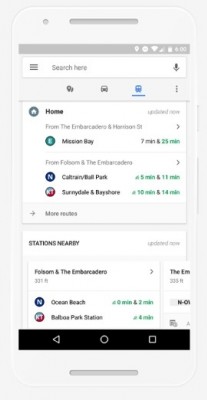
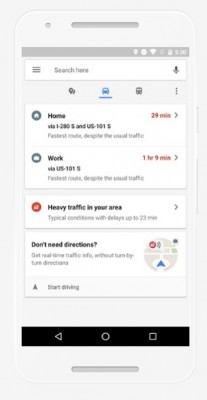 Google Maps is becoming more and more driving-friendly with latest updates. Lately we told you about some updates that brought parking availability on Android and Popular Times’ evolution into real-time data on iOS.
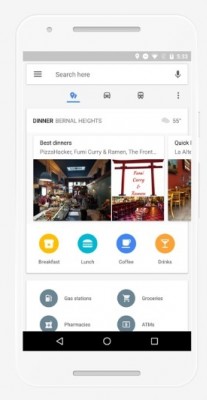
But now this information will be even more accessible for you - Google
is placing the Transit and Traffic buttons on a bottom bar, instead of
the menu that has to be pulled from the left side. You can swipe up for
more information.
Google Maps is becoming more and more driving-friendly with latest updates. Lately we told you about some updates that brought parking availability on Android and Popular Times’ evolution into real-time data on iOS.
But now this information will be even more accessible for you - Google
is placing the Transit and Traffic buttons on a bottom bar, instead of
the menu that has to be pulled from the left side. You can swipe up for
more information.Places Tab • Traffic Tab • Transit Tab
The driving tab will pull live info with directions and ETA to Home and Work, if saved, along with information for any traffic complications.


Comments
Post a Comment
Kindly Comment Only related to Post